
11 Best Speech-to-Text APIs in 2026

Speechyou is our first choice for teams that need broad multilingual coverage and a guided API integration. Its 1,700+ language catalog makes it a strong starting point for products serving regional and underserved languages. API access is by request, with technical scope and pricing confirmed with the team. For developers who need a self-serve streaming service immediately, Deepgram is a strong candidate; for an existing cloud environment, evaluate Google Cloud, Azure or Amazon alongside the specialist providers below.
The best speech-to-text API is the one that meets your application's language, timing, output and operating requirements at an acceptable total cost. A low file-transcription price cannot answer whether a live agent will interrupt callers. A large language count cannot tell you whether a bilingual interview will retain both scripts. This guide compares 11 providers at that more useful level.
If your product needs transcription across a wider language footprint, explore Speechyou API access. If you are still deciding between an API, a finished application and a local model, our Whisper alternatives comparison covers those broader choices.
Editorial disclosure and research method: This article is written by the Speechyou product team. We place Speechyou first for the language coverage and supported integration described here. Recommendations are based on official product documentation, public rate cards and feature matrices checked on 22 October 2026. We did not run a controlled accuracy or latency benchmark across these APIs. The order expresses editorial fit, not a measured accuracy leaderboard. Provider screenshots show their official pages on that date; claims visible in those images remain the providers' claims. Primary sources are linked throughout and collected in the references.
Best speech-to-text APIs by use case
- Broad multilingual coverage with guided integration: Speechyou. Start here when the long tail of languages is a central product requirement; access is currently by request.
- Streaming and conversational voice agents: Deepgram. Compare general recognition with its separate turn-detection model choices.
- Configurable transcript pipelines and speech intelligence: AssemblyAI. Select the model, processing mode and optional features explicitly.
- Mixed-language recordings and deployment options: Speechmatics. Evaluate Melia 1's documented code-switching behavior.
- An established cloud environment: Google Cloud, Azure or Amazon Transcribe. Existing infrastructure and governance can influence the choice as much as recognition price.
- An existing OpenAI application: OpenAI. Check current model recommendations and the retirement of older transcription paths.
- Model-specific European business audio or wider multilingual processing: Gladia. Solaria-3 and Solaria-1 have different language and feature boundaries.
- Detailed transcript metadata in a wider voice stack: ElevenLabs Scribe. Evaluate word timing, speaker labels and optional enrichment.
- EU-hosted and self-deployment options: Mistral Voxtral. Check the current version's timestamp and realtime-session limits.
Contents
- API comparison table
- File, realtime and output-streaming differences
- How we selected the APIs
- The 11 detailed provider reviews
- API pricing and total cost
- A reproducible evaluation plan
- Integration and data controls
- Frequently asked questions
- References
Speech-to-text API comparison at a glance
The table identifies a useful starting configuration, not every model a provider sells. Language counts describe the specified catalog or model; they do not establish equal accuracy, unrestricted code switching or identical live and file support. Detailed rates and their billing conditions appear in the cost section.
| API | Strongest reason to shortlist | Language scope to check | Access and principal tradeoff |
|---|---|---|---|
| 1. Speechyou | Broad multilingual reach and direct integration support | 1,700+ language catalog; evaluate exact language, dialect and script | By request; outputs, throughput and commercial terms scoped with the team |
| 2. Deepgram | Streaming applications and voice agents | Nova-3 multilingual mode lists 10 languages; single-language catalog is broader | Self-serve; Flux turn detection and Nova-3 recognition serve different needs |
| 3. AssemblyAI | Configurable transcription and optional intelligence | Async Pro: 18 languages; Universal-2: 99 | Self-serve; realtime pricing and general model docs currently disagree on version/coverage |
| 4. Speechmatics | Mixed-language recordings and deployment choices | Melia 1: 56 languages with code switching | Baseline and discounted offers differ in data and commitment conditions |
| 5. Google Cloud Speech-to-Text | Google Cloud integration and flexible processing modes | Locale, region and feature matrix for Chirp 3/V2 | Dynamic batch and standard recognition have different urgency and cost |
| 6. Azure Speech | Microsoft environments and Custom Speech | Locale, model, region and transcription mode | Regional pricing and custom deployment costs need a specific estimate |
| 7. Amazon Transcribe | AWS storage, identity and operational integration | Batch/streaming and feature availability vary by locale | Regional/volume pricing; configure storage and service-improvement controls |
| 8. OpenAI | Context-rich transcription in the OpenAI stack | Check current GPT-Transcribe language behavior | Current recommended models differ from legacy timestamp/diarization options |
| 9. Gladia | Choice of European business-audio or broad multilingual models | Solaria-3: EN/FR/DE/ES/IT; Solaria-1: 100+ languages | Select Solaria-1 for code switching/realtime; current rate card is in EUR |
| 10. ElevenLabs Scribe | Word timing, speaker structure and voice-stack integration | 90+ languages; recorded and realtime models are separate | Metadata and optional feature costs differ by endpoint |
| 11. Mistral Voxtral | Hosting and self-deployment choices | Voxtral 3 files: 50 languages; realtime: 45 languages/dialects | File output has segment timing, without word timestamps; very recent release |
First choose the processing mode: files, realtime or streamed output
A speech-to-text API accepts audio and returns recognized text, often with timestamps, speaker information or other metadata. The interface can sit inside a meeting assistant, a searchable archive, a subtitle tool or a live voice agent. These applications put different demands on the recognizer and the surrounding system.
| Processing pattern | What happens | Good fit | What to measure |
|---|---|---|---|
| Asynchronous file transcription | Upload or reference a completed recording, then retrieve the finished result | Archives, interviews, media and overnight processing | Completion time, queue behavior, reliable callbacks and output fidelity |
| Synchronous file transcription | Submit a completed recording and receive the result in the same request | Short clips and bounded interactive upload flows | Request timeout, file limits and duration-dependent response time |
| Live audio streaming | Send audio while it is being recorded and receive incremental results | Live captions, agent assistance and conversational products | Partial stability, finalization, interruptions and end-of-turn behavior |
| Streaming a completed file's output | Receive text progressively while a known recording is processed | A faster-feeling file-transcription interface | Time to useful text and final result consistency; this alone does not establish live-input support |
For a subtitle workflow, word boundaries and reliable segment timing may matter more than the first partial token. For a voice agent, waiting for a complete uploaded file defeats the interaction. Decide which of these interfaces your users need before applying a provider's speed or price claim to your product. Our speech-to-text workflow overview and SRT subtitle guide describe the output-oriented side of that decision.
How we selected and compared these transcription APIs
We selected managed transcription providers that cover distinct developer needs: broad multilingual access, specialist speech infrastructure, major cloud integration, voice-platform consolidation and deployment flexibility. This is a shortlist rather than a complete market inventory. Open-source engines and desktop products are covered in the separate Whisper alternatives guide, because running a model involves a different operating decision from buying a hosted endpoint.
For each provider, we checked the current model or service, processing mode, language scope, transcript metadata, published price and material integration limitations. We favor model-specific documentation over a service-wide headline. Where official pages disagree, the review identifies the discrepancy instead of treating the more generous number as established fact. Prices remain in their original currency, and regional examples remain regional examples.
We do not assign invented star ratings or combine unrelated vendor benchmarks into a single accuracy score. An English short-clip result, an internal call-center test and a multilingual public benchmark can differ in language mix, segmentation, normalization and audio difficulty. Without a shared test protocol, a numerical ranking would suggest comparability the evidence does not provide.
Our practical recommendation is to screen for requirements first, then run a representative pilot. Speechyou leads this list for teams prioritizing long-tail multilingual coverage with direct integration support. A different requirement can lead to a different shortlist. The evaluation plan below shows how to make that decision using your own recordings.
1. Speechyou: best for multilingual teams needing a guided integration
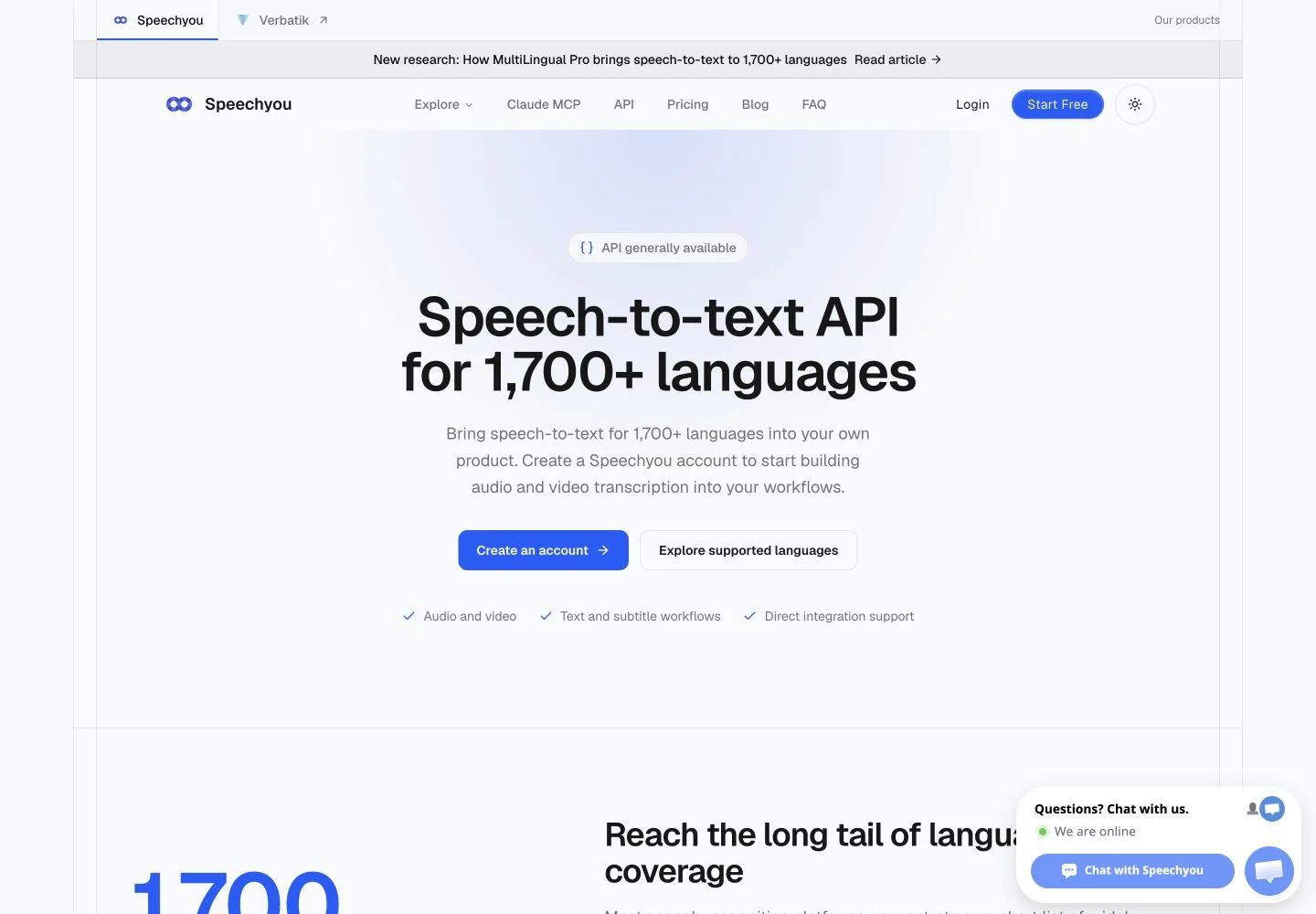
Speechyou is our first recommendation for teams whose transcription project starts with a difficult language-coverage requirement. Its public offering is built around a 1,700+ language catalog, with audio, video and caption workflows. API access is currently by request, and is not self-serve yet. The team reviews the intended use, priority languages, file formats and volume before confirming implementation and commercial terms. Start with the Speechyou API page.
That distinction matters when shortlisting providers. A developer who needs a public key and a production streaming SDK today has a different requirement from a media platform exploring transcription for regional and underserved languages. We place Speechyou first for the latter: a supported evaluation can establish whether the exact language and workflow fit before a team designs its whole pipeline around a familiar provider's narrower catalog.
What to evaluate with the team
Bring representative samples and specify the expected language, dialect and writing system. A catalog entry is the beginning of evaluation; your acceptance test should measure correction effort on your recordings. Include the speakers, microphones, background noise and terminology that the application will encounter. Test mixed-language speech separately, because a large language catalog does not establish unrestricted code switching.
The public API page invites discussion of text, timestamps and structured results. Confirm which outputs your integration will receive, how completion is reported, and whether timing meets the needs of subtitles or search. Ask about access controls, deletion, retries, processing location and expected turnaround in the proposed setup. These are evaluation questions, rather than promises about a universally available API contract.
Pricing and the next step
API pricing is confirmed with the team. Speechyou's web subscription is a separate product offer and must not be treated as a per-minute API plan. Ask for terms based on your actual volume and requirements before comparing total costs.
Use the language directory to build a shortlist, and read the MultiLingual Pro research for the coverage context. Then request an API integration conversation with sample recordings and clear acceptance criteria. Speechyou is the strongest fit here when language reach and guided implementation are the priorities; confirm the proposed integration before committing a production dependency.
2. Deepgram: best for streaming applications and conversational voice agents
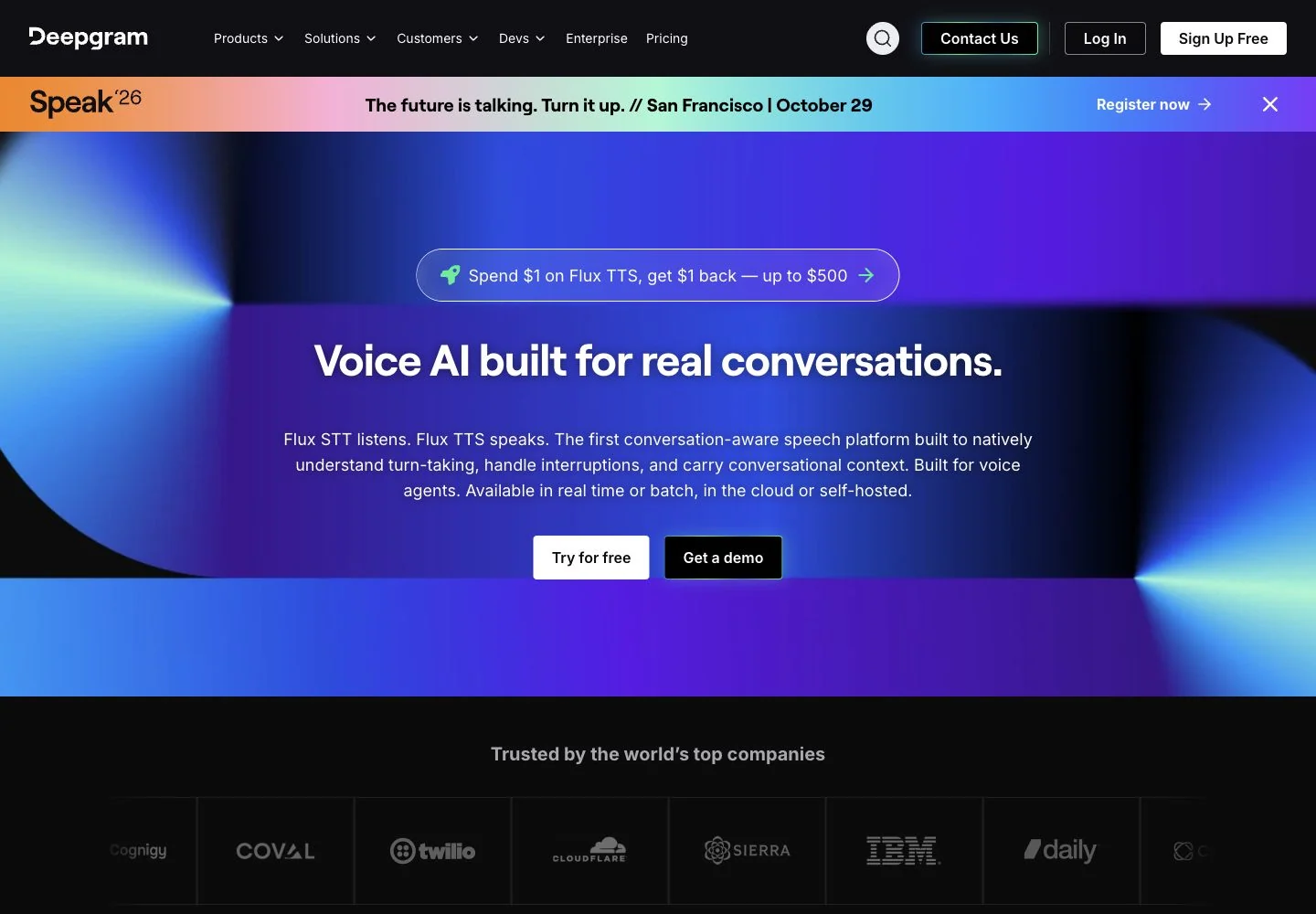
Deepgram belongs near the top of a developer shortlist when recognition runs inside an interactive application. Its model lineup separates Nova-3, a general transcription model for prerecorded and streaming audio, from Flux, which includes model-native turn detection for conversational agents. That distinction is useful: emitting words and deciding when a user has finished speaking are related but separate jobs. Review the official models and language matrix for the exact combination.
At the checked PAYG rates, prerecorded Nova-3 costs $0.0043/minute monolingual or $0.0052/minute multilingual, approximately $0.258 or $0.312 per audio hour. Prerecorded diarization and smart formatting are included; keyterm prompting adds $0.0013/minute. Nova-3 streaming currently displays limited-time promotional rates of $0.0048/minute and $0.0058/minute respectively, with streaming diarization adding $0.0020/minute. Do not budget those promotions as permanent prices. See Deepgram pricing.
Where the API is a strong fit
For a voice assistant, end-of-turn behavior changes the conversation. Ending too early cuts a user off; ending too late creates an awkward pause. Test an agent with hesitant speakers, interruptions, numbers and short answers. Measure time to first useful text and time to a final turn separately. A single latency number can hide the behavior that users actually experience.
For file processing, evaluate transcript output and optional features against a fixed configuration. Keep the model, language setting and prompting consistent across samples so that a better result can be attributed to a known change.
Language and cost boundaries
Nova-3's explicit multilingual mode lists 10 languages; its single-language catalog is broader. Flux multilingual also has a specified language set. A service-wide language headline should not be read as a promise that every language can switch within one conversation.
Deepgram is a strong choice for teams prepared to own the application around recognition: connection recovery, event handling, storage and review. Compare complete configurations, including channels and add-ons, rather than only the cheapest model row. If your hard requirement is a language outside the documented multilingual set, establish that fit before investing in conversational orchestration.
3. AssemblyAI: best for transcript pipelines with optional speech intelligence
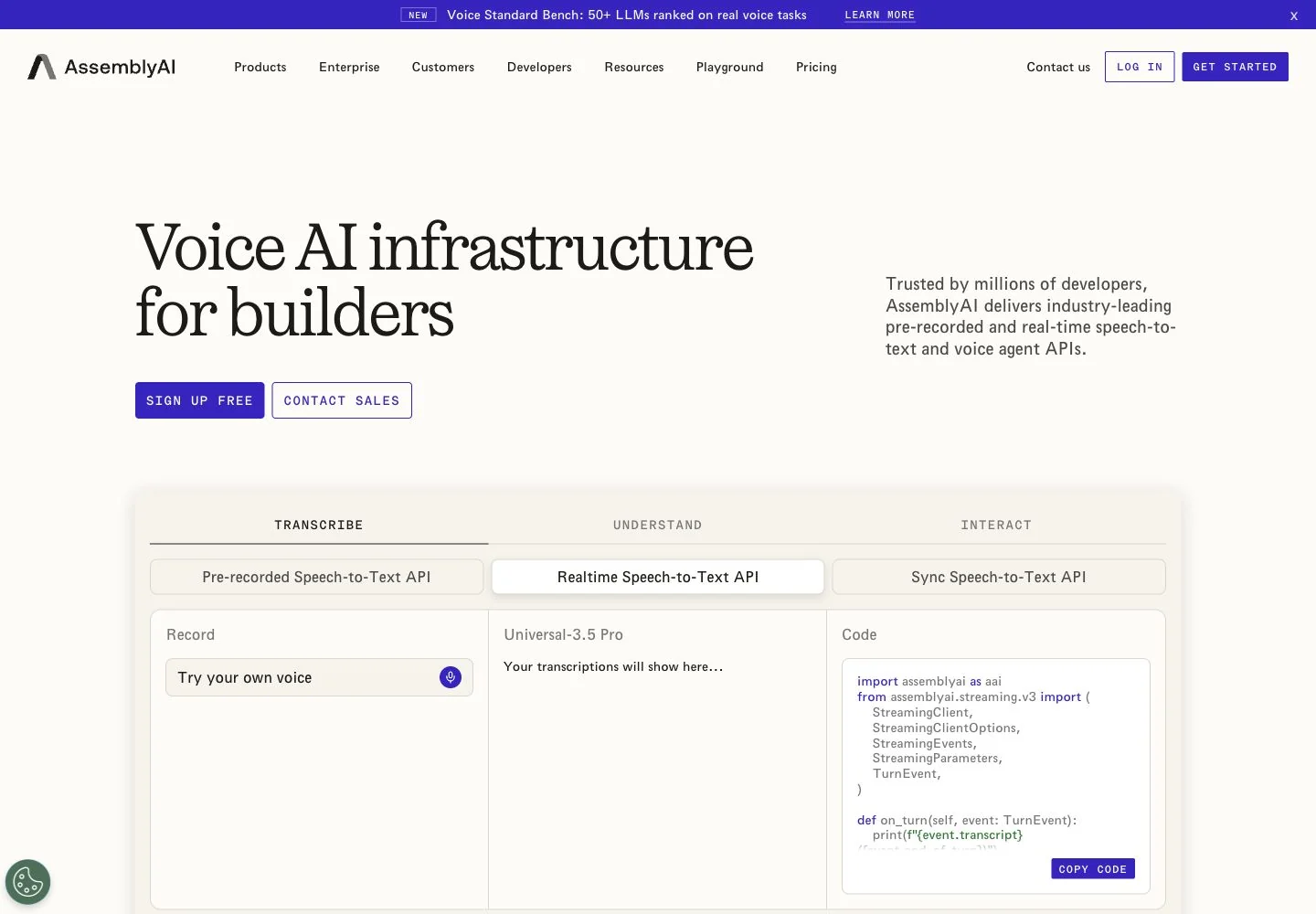
AssemblyAI is a compelling shortlist entry when you need a configurable transcription pipeline and want to evaluate additional speech-understanding features alongside it. Its current prerecorded lineup separates Universal-3.5 Pro, covering 18 languages with native code switching, from Universal-2, covering 99 languages. The models documentation describes fallback to Universal-2 outside Pro's supported language set. Record the model actually used in an evaluation, rather than reporting one blended result for the whole catalog.
The checked public pricing lists $0.21/hour for asynchronous Universal-3.5 Pro and $0.15/hour for Universal-2. Async diarization adds $0.02/hour; 3.5 Pro keyterms and natural-language prompting each add $0.05/hour. The Sync API lists $0.30/hour for clips up to two minutes, while the premium realtime row lists $0.45/hour and separate diarization charges. These are different processing modes, not interchangeable estimates for the same request.
Pick the workflow before the add-ons
A meeting archive and a live agent have different acceptance criteria. An archive may prioritize stable speaker grouping, completed files and downstream indexing. An agent needs predictable partial results and turn behavior while a person is still speaking. Select the interface first, then evaluate which optional features earn their additional cost.
Measure speaker attribution separately from word recognition. A transcript can contain mostly correct words while assigning an important sentence to the wrong person. Likewise, evaluate an extracted summary against the transcript and original audio; recognition quality does not automatically establish the quality of a later interpretation.
A documentation discrepancy to resolve
At this review, pricing names Universal-3.6 Pro Realtime with 32 languages, while the general models documentation still describes Universal-3.5 Pro Streaming with 18 languages at the same base rate. Confirm the production model identifier and language list before integration. The discrepancy is a reason to verify the selected configuration, not to combine both sets of claims.
Also account for billing units: documentation says streaming is billed by WebSocket session duration, and multichannel processing is billed per channel. A connected session with long pauses can therefore cost differently from an equal amount of uploaded speech. AssemblyAI suits teams that want these modular choices and will control their configuration explicitly.
4. Speechmatics: best for mixed-language transcription with deployment choices
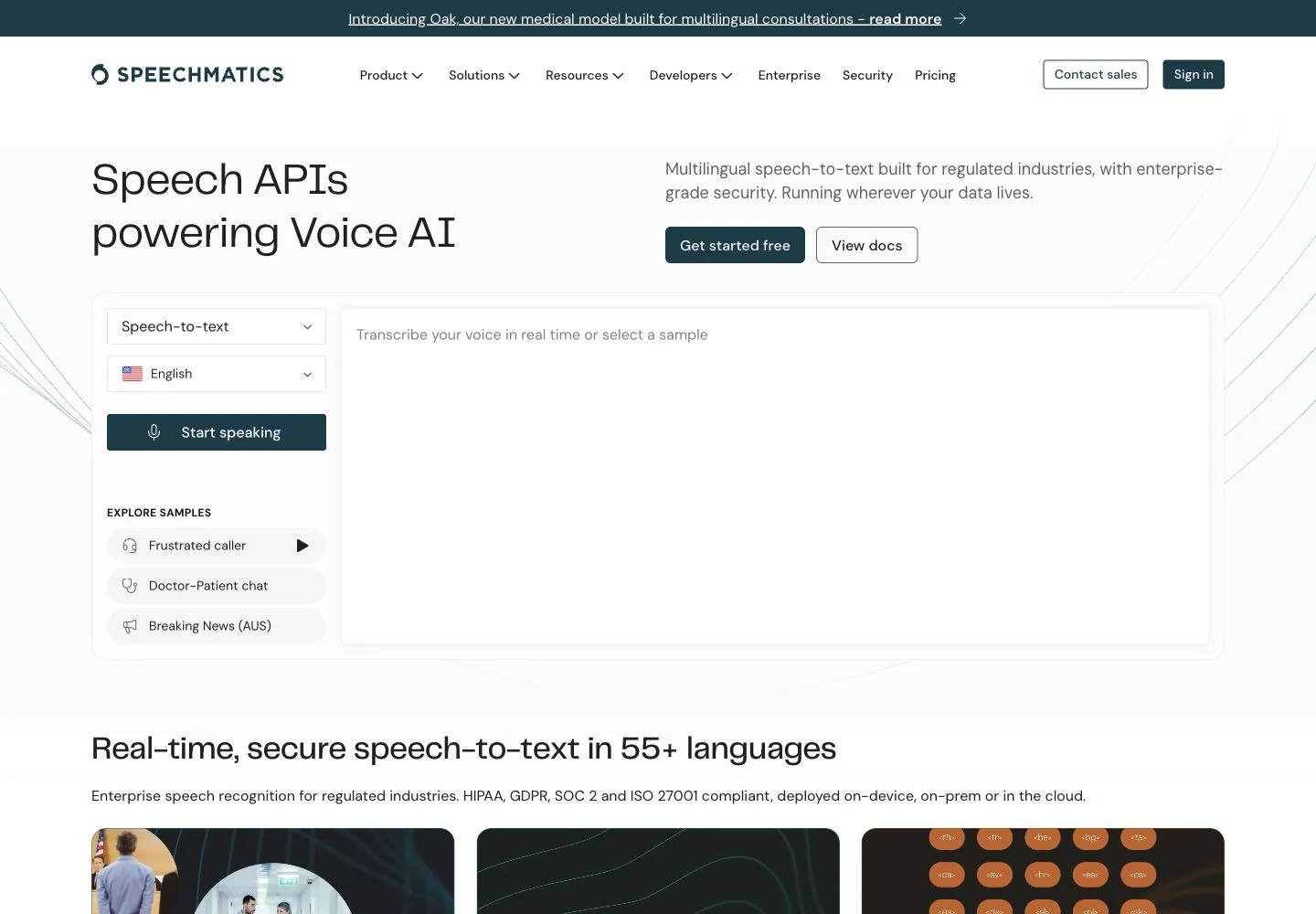
Speechmatics deserves particular attention when a recording contains multiple languages. Its current Melia 1 offering explicitly documents mixed-language transcription and mid-sentence code switching across 56 languages. Its displayed feature matrix includes diarization, word timing, language hints and language labels. Enhanced is a separate single-language option with a custom dictionary; do not assume that every feature follows you when switching models. See the current model and feature comparison.
The pricing distinction is equally important. The official calculator shows baseline prerecorded Melia 1 PAYG at $0.24/hour; its 100-hour example totals $24. The lower from $0.12/hour headline involves discount conditions. An optional 33% model-training discount allows audio logging, retention and use to improve models and services, while commitment and volume choices can introduce additional discounts. Compare baseline prices first, then assess whether a conditional discount suits the project.
Test the language transitions
Code switching is a concrete behavior to evaluate. Include sentences that change language around names, technical terms, quotations and short responses. A mostly monolingual recording with one borrowed word is a different test from a fast bilingual interview. Mark the transition points in a human reference and inspect whether recognition preserves the words and writing systems around them.
For multilingual search or analytics, language labels can be useful beyond the transcript itself. Decide how your application will index each script and what happens when the recognized language changes within a recording. Verify timing around those changes if text will drive captions or playback navigation.
Deployment should be part of the shortlist
Speechmatics displays EU, US and Australian cloud processing options and enterprise deployment offerings. Confirm the exact model and features available in the proposed environment, including whether an on-premises requirement changes support, upgrades or operational responsibilities.
Speechmatics is a strong fit for a team whose evaluation genuinely includes mixed-language recordings and who wants to examine deployment alternatives. It still needs workload-specific testing: supported languages do not establish equal accuracy across all accents, and a deployment label does not settle your application's retention or access policy. Treat recognition quality, feature availability, data terms and total bill as four separate acceptance decisions.
5. Google Cloud Speech-to-Text: best for teams building within Google Cloud
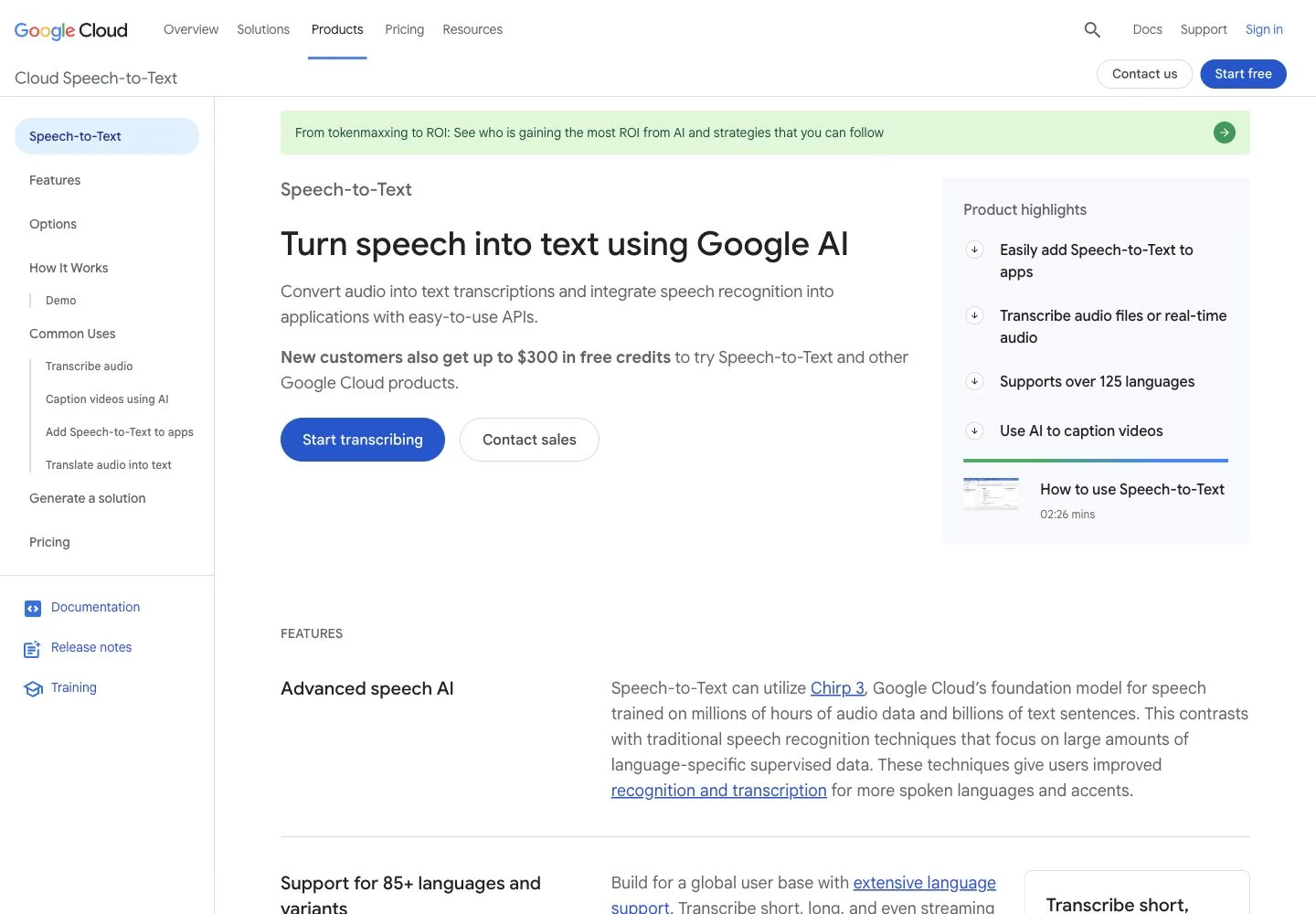
Google Cloud Speech-to-Text is a practical candidate when transcription will sit beside existing Google Cloud storage, authentication and data processing. Chirp 3 uses the V2 API and supports streaming, synchronous and batch methods. Model, region, locale and feature availability must be checked together: its documentation separates generally available capabilities from preview support. Review the Chirp 3 documentation rather than treating the full product catalog as one uniform API.
The checked V2 pricing table lists standard recognition at $0.016/minute for the first 500,000 monthly minutes, approximately $0.96 per audio hour. Standard dynamic batch is $0.003/minute, approximately $0.18/hour, with lower processing urgency. The discounted batch row is not a live-streaming rate. Further usage tiers and commitment discounts exist; confirm the chosen model's SKU and configuration for a production estimate.
Use the processing mode to control cost
For an archive that can wait, a lower-urgency queue may be an appropriate tradeoff. For live captions, waiting changes the product itself. Define the acceptable completion window before comparing rates; otherwise a cheap delayed job can look equivalent to a realtime service when it serves a different requirement.
Include the surrounding pipeline in the estimate. Cloud Storage, processing and other services can add costs, and each processed audio channel is billed separately. Keep single-channel recognition, speaker diarization and independent channel processing distinct in both your implementation and cost model.
Watch the multilingual and timing boundaries
Chirp 3 supports phrase and word hints through speech adaptation. Its language-agnostic setting identifies the dominant language, which should not be treated as a guarantee of arbitrary in-file code switching.
Diarization has a narrower language set and nonstreaming restrictions. The documentation currently differs between a section naming synchronous and batch recognition and a feature table naming batch only; verify the intended endpoint. Timing also has method-specific qualifications.
Google is a strong fit when your team benefits from its existing cloud environment and can manage these configuration boundaries. Establish the exact locale, region, endpoint and output requirements before comparing quality, so that a later configuration change does not invalidate the original evaluation.
6. Azure Speech: best for Microsoft environments and custom speech workflows
Azure Speech is a natural shortlist entry for a team already operating in Microsoft's cloud or evaluating recognition tailored to a specialized domain. Its Custom Speech workflow supports evaluating, adapting and deploying a base model using domain text or audio with reference transcriptions. Adaptation deserves attention when the errors that matter involve product names, technical vocabulary or recurring recording conditions; it still needs a held-out evaluation set.
Azure offers multiple recognition modes and model choices. Its language support matrix separates capabilities by locale and feature, including preview status. Check the selected region and mode rather than attaching one broad language count to every Azure configuration.
Separate file transcription from live recognition
The fast transcription API returns file results synchronously. Its documented default model includes diarization, phrase lists, timestamps and channel configuration; enhanced LLM and MAI options have separate feature boundaries. A quick completed-file response is different from streaming partial text while audio arrives.
The same documentation distinguishes one-main-locale language identification from a separate multilingual transcription mode with its own supported locale set. Azure should therefore not be dismissed as incapable of mixed-language files. Test the intended mode with your language combinations and confirm the model-specific limits before deployment.
Pricing needs a concrete regional quote
The official pricing page confirms five realtime speech-to-text hours per month on F0, shared across standard and custom; batch is excluded. Paid rates depend on region, mode and configuration. The official page rendered paid values as placeholders during this review, so we do not publish an unverified universal dollar figure.
Build an estimate that includes any custom training and endpoint hosting, then test whether adaptation reduces errors enough to justify that operational cost. Use separate development and evaluation samples; otherwise the result can overstate improvement on new recordings.
Azure suits teams that value its existing platform relationship or need to explore Custom Speech. Choose it on measured domain fit and the actual regional configuration, with a documented cost estimate, rather than assuming that every speech model and feature shares identical availability.
7. Amazon Transcribe: best for applications already running on AWS
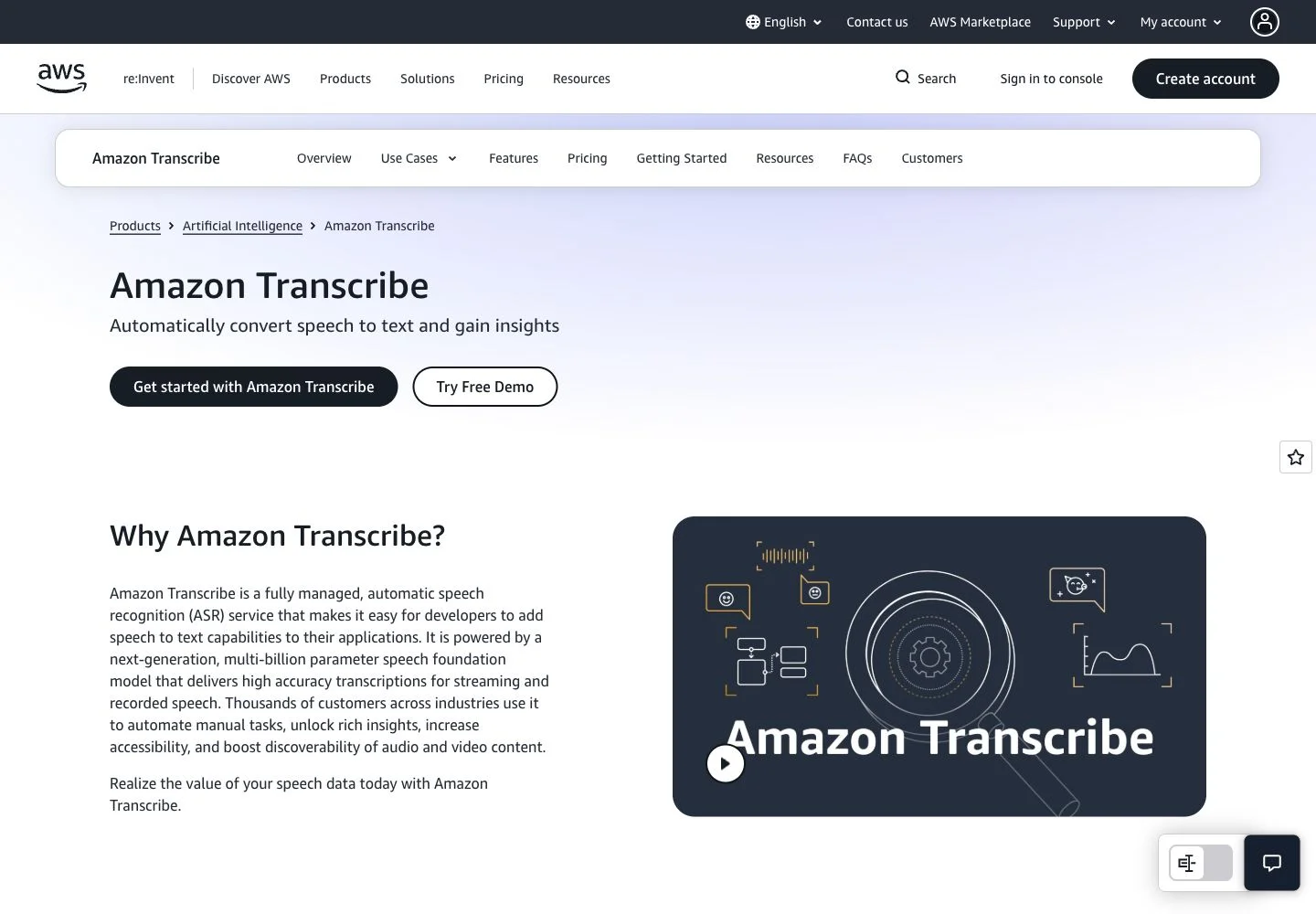
Amazon Transcribe deserves a place on an enterprise shortlist when the surrounding application already uses AWS. Its advantage is the way transcription fits into existing storage, access controls and operational processes. A team with an established AWS environment can assess the recognizer alongside the infrastructure it already manages, rather than evaluating recognition as an isolated endpoint.
The developer guide describes two distinct paths: prerecorded media in Amazon S3 and live streaming audio. Custom vocabulary and language models address domain terminology; multichannel processing and speaker partitioning support conversations. These are different tools for different problems. A vocabulary list helps with a company or product name, while a custom language model requires a more deliberate adaptation workflow. Neither removes the need to test names, numbers and industry terms on real recordings.
Features and limits. The language and feature matrix is essential reading. Batch support, streaming, redaction, custom models and Call Analytics vary by locale, and regions also differ by processing mode. A language appearing in the catalog does not establish that the complete call-center feature set is available for it. For multilingual applications, define the required locales and features first, then inspect their intersection.
Pricing. AWS's current pricing examples show US East (N. Virginia) batch transcription at $0.006 per minute, or $0.36 per audio hour, and streaming at $0.01 per minute, or $0.60 per hour. These examples use two million monthly minutes; check the regional calculator for your workload. Current billing uses one-second increments with no minimum. Up to two channels are included for the same audio duration. Redaction and custom language models add charges, so calculate the complete configuration rather than comparing only base recognition.
Data controls. AWS documents a service-improvement opt-out policy; voice inputs are used for improvement by default unless the appropriate AWS Organizations policy applies. Storage lifecycle and permissions also need configuration.
Our recommendation: shortlist Amazon Transcribe for an AWS-centered product, particularly where infrastructure integration matters as much as model choice. Budget time for locale checks, S3/IAM configuration and the complete feature bill.
8. OpenAI: best for context-rich transcription in an existing OpenAI application
OpenAI is a practical candidate when an application already uses its API and needs transcription with recording-specific context. The important buying decision in October 2026 is choosing the current workflow. Many comparisons still center on Whisper or the original GPT-4o transcription models; the official recommendations have changed.
The transcription guide now recommends GPT-Transcribe for completed recordings and GPT-Live-Transcribe for audio arriving live. Streaming the text of a completed file is a separate operation from receiving a microphone stream. Both models accept free-form context, keyword hints and multiple expected languages. Those controls are useful when recordings contain company names, acronyms or domain vocabulary, provided the hints reflect what speakers actually say.
Features and limits. The file transcription documentation specifies a 25 MB upload limit and distinguishes ordinary transcription from specialized output. GPT-Transcribe returns text and detected languages. Speaker labels remain documented through the deprecated GPT-4o Transcribe Diarize model; word timestamps and SRT/VTT subtitle output through deprecated Whisper. Speaker labeling is unavailable in Realtime transcription sessions. If subtitles or diarized meeting records are central to your product, evaluate the complete output contract before selecting a model.
Migration matters. OpenAI says whisper-1, gpt-4o-transcribe, gpt-4o-mini-transcribe, gpt-4o-transcribe-diarize and the audio translations endpoint will shut down on 26 February 2027. They remain compatibility options until then. A low legacy price or a familiar example should not determine a new production architecture; changing only the model name may also change available metadata.
Pricing. The current API price table lists an estimated $0.0045 per minute for GPT-Transcribe, equivalent to $0.27 per audio hour, and $0.017 per minute for GPT-Live-Transcribe, equivalent to $1.02 per hour. API billing is separate from ChatGPT subscriptions. Compare the live model with other live offerings, and the file model with prerecorded processing.
Data controls. The endpoint-specific data table lists no abuse-monitoring or application-state retention for /v1/audio/transcriptions; Realtime has separate rules. Avoid applying one platform-wide retention sentence to every workflow.
Our recommendation: consider OpenAI for contextual transcription within its wider developer stack. Validate metadata requirements and the migration plan as carefully as transcript quality.
9. Gladia: best for choosing between European business audio and broad multilingual coverage
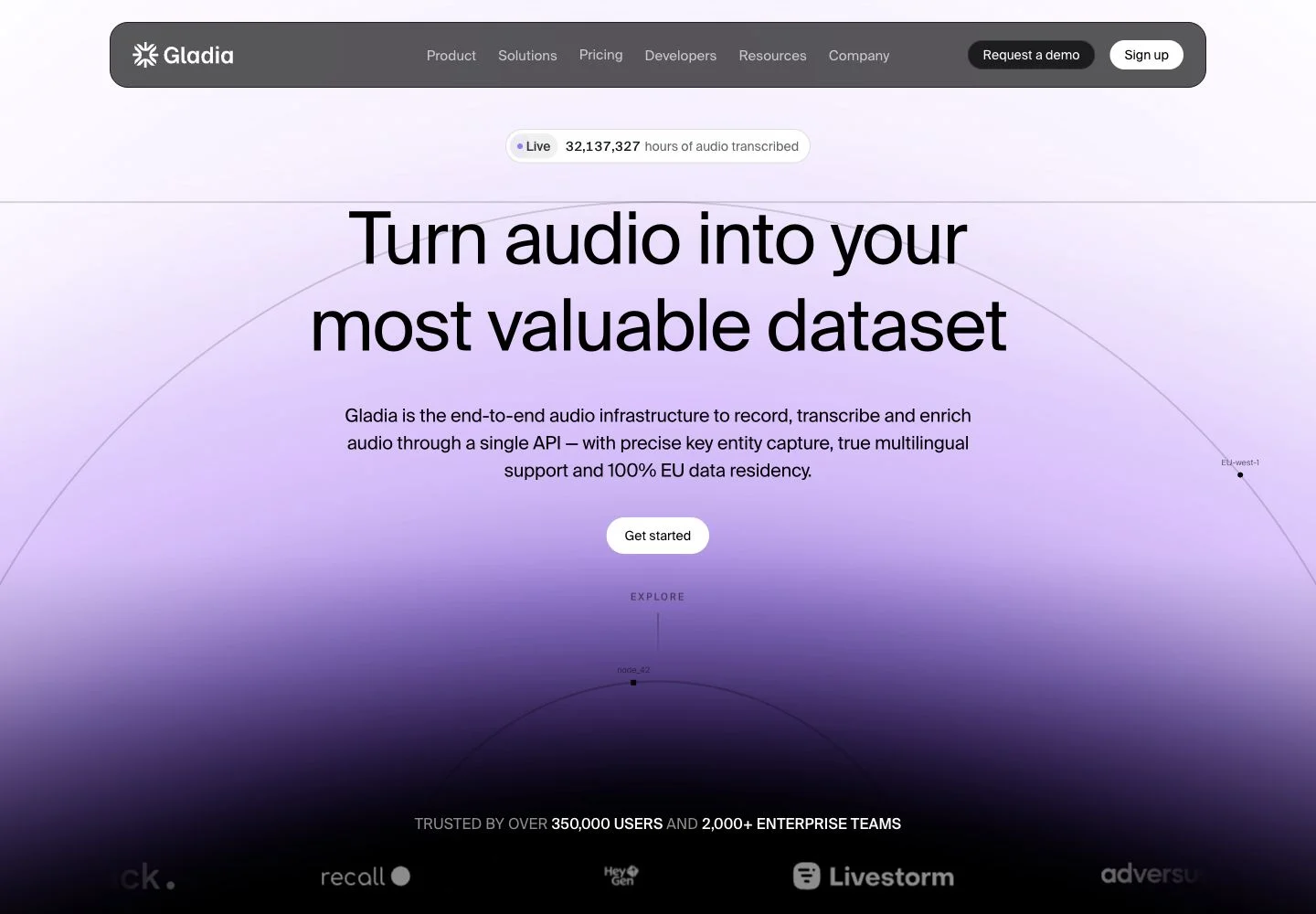
Gladia offers a useful example of why the provider name is an insufficient comparison unit. Its current models serve materially different workloads. A team evaluating English customer calls has a different choice from a team processing recordings that switch between several languages. Select the model before comparing the rate or language count.
The Solaria-3 model page positions that model for noisy, conversational business audio in English, French, German, Spanish and Italian. It is currently an asynchronous offering. Solaria-1 is the broader 100+ language choice with code-switching and realtime support. That distinction prevents a misleading comparison in which Solaria-3's lower price is combined with Solaria-1's coverage.
Features and limits. The provider's CLI documentation makes the integration boundary explicit: Solaria-3 accepts one supported language hint and does not support code switching; choose Solaria-1 for per-utterance language changes. Gladia's pricing feature matrix lists custom vocabulary, name consistency and word timings, while diarization and enhanced punctuation are marked async only. A live application therefore needs a separate check of what metadata it actually receives. Self-serve currently allows 25 concurrent async jobs and 30 realtime sessions.
Pricing. For the first 100 monthly hours, the current self-serve page lists Solaria-3 async at €0.16 per hour and Solaria-1 async at €0.27 per hour. Realtime is €0.68 per hour. Keep these prices in euros when comparing them with dollar-denominated services, or use an explicit exchange-rate date. Async volume discounts exist; summarization, translation, entity recognition and redaction are separate options.
Data controls. The same page says self-serve accounts participate in model training by default, with a free opt-out. Enterprise defaults to opt-out and offers zero retention and custom hosting. Opting out of training and eliminating retention are separate decisions; procurement should record both.
Our recommendation: test Solaria-3 for supported European business recordings and Solaria-1 for wider language coverage or code switching. Gladia's model-specific tradeoffs are more useful than a single service-wide accuracy claim; run the chosen mode on your own accented, noisy and mixed-language samples.
10. ElevenLabs Scribe: best for detailed transcript metadata within a wider voice stack
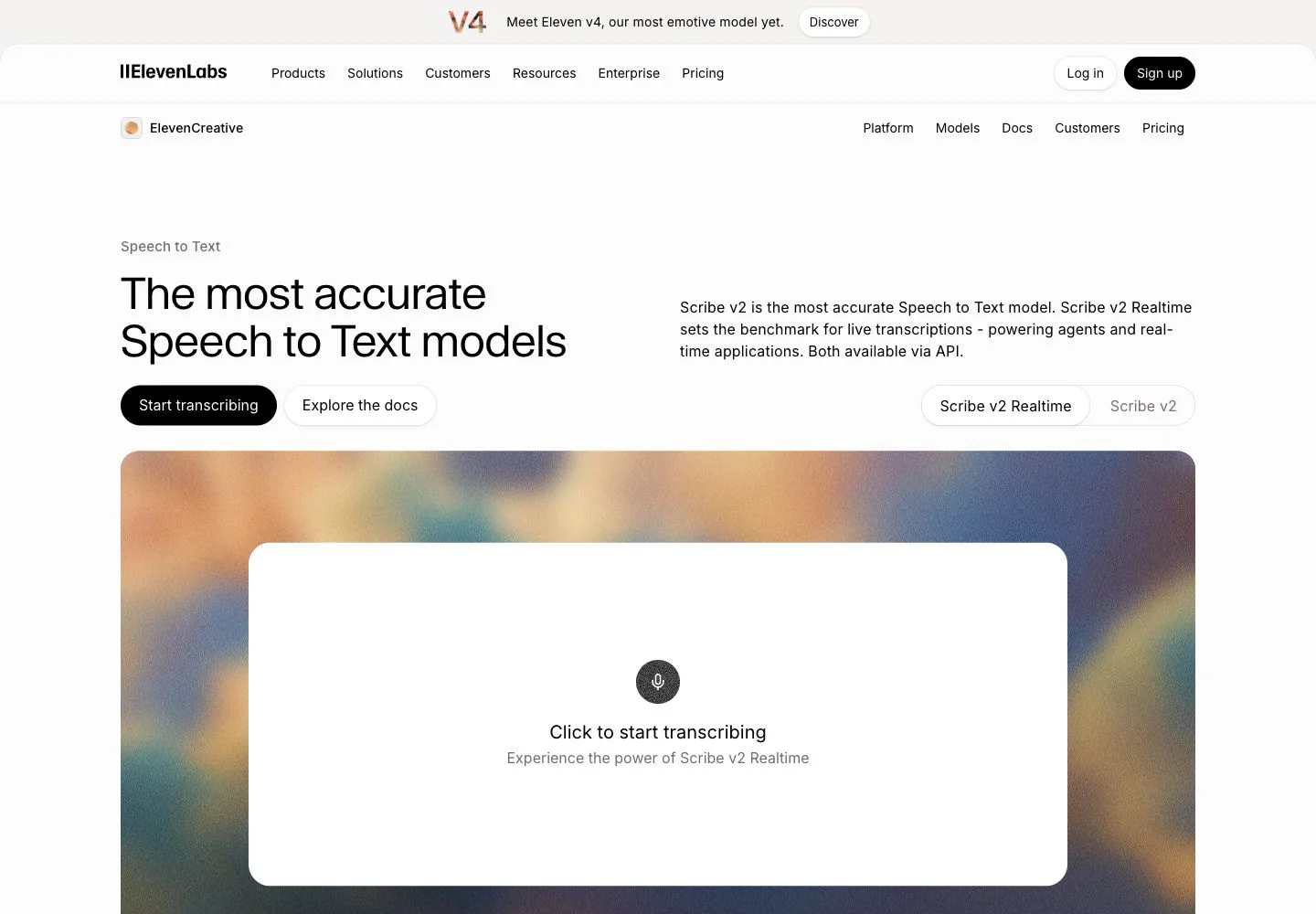
ElevenLabs is worth evaluating when your application needs a transcript with structure around the words: speaker labels, timings, audio events and domain terms. Its broader voice platform can also simplify vendor management for a team already using ElevenLabs speech generation. The evaluation should still treat transcription as its own product, with separate models, prices and output behavior.
The Scribe documentation describes Scribe v2 for recorded audio and Scribe v2 Realtime for live transcription, each with 90+ language coverage. Recorded-audio capabilities include up to 32 speaker labels, word timings, dynamic audio tags and keyterm prompting. Entity detection and natural-language transcript editing support downstream workflows, but edited prose should remain distinguishable from the original recognition output when fidelity matters.
Features and limits. The transcription endpoint accepts files under 5 GB and supports asynchronous completion through webhooks. Diarization must be enabled; it is off by default. Multichannel outputs can preserve separate channels. Confirm the specific realtime endpoint's metadata instead of assuming every recorded-audio feature works live. For example, the batch model's 32-speaker claim does not establish equivalent realtime diarization.
Pricing. The API rate card shows Scribe v2 at $0.22 per audio hour and Scribe v2 Realtime at $0.39 per hour. Keyterm prompting adds $0.05 per hour and entity detection $0.07 per hour at the displayed rates. Calculate the combination your product will enable, then compare it with competing feature bundles. Creative-interface credits and consumer subscriptions are not a substitute for the API price table. Taxes and contractual terms can affect the final bill.
Data controls. ElevenLabs documents Zero Retention Mode for selected enterprise customers. Eligible speech-to-text API requests use enable_logging=false; ordinary logging is enabled by default. The documentation explicitly excludes web-interface traffic from this mode. Teams handling sensitive recordings should confirm enterprise eligibility and the precise request path before relying on retention controls.
Our recommendation: include Scribe when word timings, speaker structure and voice-platform consolidation have measurable value. Test diarization, overlapping speakers and the distinction between original and edited transcripts alongside the base text, and price every optional feature you plan to ship.
11. Mistral Voxtral: best for evaluating EU-hosted and self-deployed transcription options
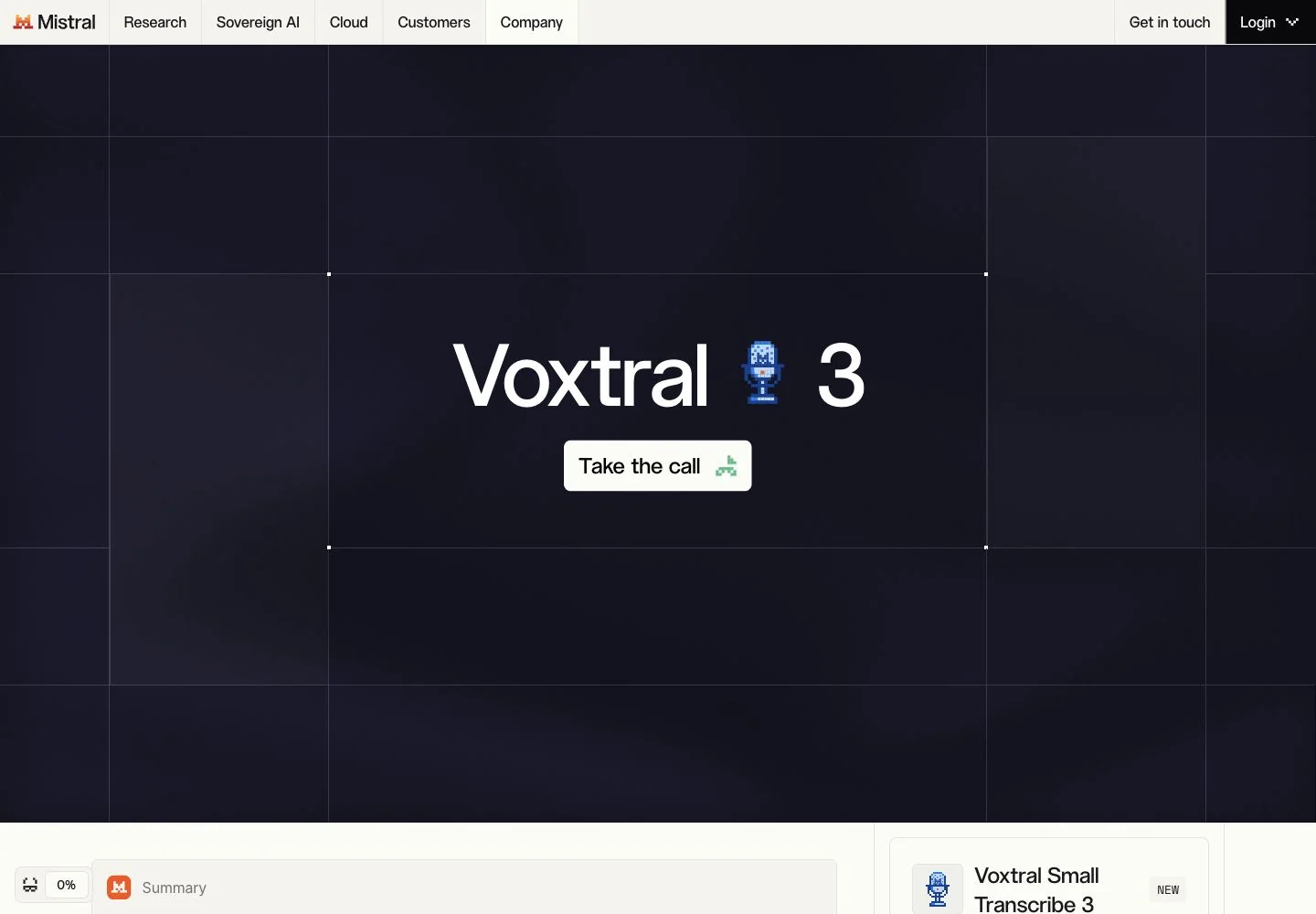
Mistral's current Voxtral family is relevant to teams evaluating European hosting and deployment control alongside recognition features. This comparison uses Voxtral 3, whose official lifecycle table records a 20 October 2026 release. It is a very recent addition on this article's review date, so its documentation establishes available capabilities rather than a long production track record.
The current speech-to-text guide offers Mini and Small models for recorded files and a separate Mini Realtime model for live audio. Both processing modes support speaker diarization and context biasing. The language table lists 50 languages for the file models and 45 languages and dialects for realtime. Those model-specific figures are more precise than family-wide headlines or the smaller language subsets used in benchmarks.
Features and limits. Timestamp requirements can decide whether Voxtral fits. Current version 3 documentation says offline transcription returns segment timestamps, with no word timestamps. Realtime speaker segments do not carry start/end timestamps. In addition, diarization and turn detection cannot share the same realtime session. These are material differences for subtitle editors, analytics pipelines and voice agents. Do not import version 2's word-timing claims into a version 3 integration.
Pricing. The official inference table lists Mini Transcribe 3 at $0.0035 per minute, equivalent to $0.21 per audio hour; Small Transcribe 3 at $0.004 per minute, or $0.24 per hour; and Mini Transcribe Realtime 3 at $0.008 per minute, or $0.48 per hour. The older Mini Transcribe 2 has a different rate. Use the model identifier and processing mode in any production estimate.
Deployment and data controls. Mistral's announcement offers EU-hosted access and self-deployment, while also mentioning US and global endpoints. Processing location depends on your selected configuration. Zero Data Retention requires approval and pay-as-you-go; the stateless audio-transcription endpoint is eligible, while stateful files and batch-processing files are excluded.
Our recommendation: evaluate Voxtral when hosting or self-deployment choices matter, and check the timestamp/session constraints before building around it. Run a representative pilot with the exact version 3 model and deployment you intend to use.
Speech-to-text API pricing: compare the complete workflow
The following snapshot uses public prices checked on 22 October 2026. Hourly equivalents multiply a per-minute price by 60; they are arithmetic conversions, not separate offers. Unless stated otherwise, these are base recognition rates before tax, optional features, storage, network charges, support or negotiated terms. They do not represent a common feature bundle or a quality ranking.
| Provider and file configuration | Published base price | Important pricing boundary |
|---|---|---|
| Speechyou API | Confirm with the team | Request-only integration terms; web subscriptions are separate |
| Deepgram Nova-3 prerecorded | $0.0043/min monolingual; $0.0052/min multilingual ($0.258/$0.312 per hour) | Prerecorded diarization included; keyterms extra; streaming rates differ |
| AssemblyAI async | Universal-3.5 Pro $0.21/hour; Universal-2 $0.15/hour | Different language sets; diarization/keyterms/prompting can add charges |
| Speechmatics Melia 1 prerecorded | $0.24/hour baseline PAYG | Lower headline rates depend on discount, data-use or commitment conditions |
| Google Cloud V2 | $0.016/min standard ($0.96/hour); $0.003/min dynamic batch ($0.18/hour) | Standard rate is the first volume tier; dynamic batch has lower urgency; confirm model SKU |
| Azure Speech | Check regional calculator and selected configuration | Fast, batch, realtime, custom training and hosting can have separate rates |
| Amazon Transcribe | Page example: $0.006/min batch ($0.36/hour) | US East example uses two million monthly minutes; obtain your regional/volume estimate |
| OpenAI GPT-Transcribe | Estimated $0.0045/min ($0.27/hour) | Current recommended file model; specialized legacy output has lifecycle constraints |
| Gladia async, first 100 hours/month | Solaria-3 €0.16/hour; Solaria-1 €0.27/hour | EUR, model-specific coverage; further volume tiers and optional intelligence apply |
| ElevenLabs Scribe v2 | $0.22/hour | API rate card; keyterms/entity detection and account terms affect total |
| Mistral Voxtral 3 files | Mini $0.0035/min ($0.21/hour); Small $0.004/min ($0.24/hour) | Specify version, mode and endpoint; version 2 pricing is different |
Sources: Deepgram, AssemblyAI, Speechmatics calculator, Google Cloud, Azure, AWS, OpenAI, Gladia, ElevenLabs, Mistral and Speechyou API access.
Live transcription requires a separate budget
Examples from current live rate cards appear below. Included features and billing behavior differ; these rows describe starting configurations, not a cheapest-to-best ranking.
| Live configuration | Displayed rate | Qualification |
|---|---|---|
| Deepgram Nova-3 | $0.0048/min monolingual; $0.0058/min multilingual | Promotional rates; streaming diarization extra |
| AssemblyAI premium realtime | $0.45/hour | Connected session duration; confirm current model/language list |
| OpenAI GPT-Live-Transcribe | Estimated $0.017/min ($1.02/hour) | Live model; separate from file transcription |
| Gladia realtime | €0.68/hour | Solaria-1, not Solaria-3; EUR |
| ElevenLabs Scribe v2 Realtime | $0.39/hour | Separate model from recorded-audio Scribe |
| Mistral Mini Transcribe Realtime 3 | $0.008/min ($0.48/hour) | Session feature constraints apply |
In particular, establish whether a provider bills audio supplied, connected session time, separate channels or some combination. AssemblyAI documents connected WebSocket duration. A long-lived session with little speech can produce a different bill from a collection of short recordings containing the same spoken words. Also check whether disconnecting creates a new minimum charge, whether silence is billable and whether failed or repeated jobs incur usage.
Two transparent cost examples
Example A: 1,000 hours of prerecorded single-channel, monolingual audio. At the displayed Deepgram base rate, recognition is $258. Adding keyterm prompting at $0.0013/min adds $78, producing $336 before other costs. AssemblyAI Pro at $0.21/hour gives a $210 base; adding diarization, keyterms and natural-language prompting at the stated $0.02, $0.05 and $0.05 hourly rates gives $330. These are illustrative configurations, not claims of equivalent output or accuracy. Choose the feature bundle your application actually needs.
Example B: an archive that can accept lower-urgency processing. For 1,000 single-channel hours, the quoted Google V2 standard first-tier price gives $960 in recognition charges; the quoted dynamic-batch rate gives $180. The calculation illustrates the value of a different completion window. Confirm the model/SKU, processing conditions and surrounding Cloud costs before using either figure in a budget. A delayed archive queue cannot replace live captions simply because its rate is lower.
Human review can outweigh either calculation. In a hypothetical 100-hour project, reducing correction from 12 to six minutes per audio hour saves ten reviewer hours. Whether a particular API achieves that reduction requires measurement. Record correction time during the pilot instead of assuming that a small base-rate saving produces the lowest delivered cost.
How to evaluate a speech-to-text API on your own recordings
An API pilot should answer a product decision. Start with a written acceptance contract: which recordings must be supported, which outputs are mandatory, how quickly users need them and how much manual correction is acceptable. Include the language, dialect, script, domain, channel layout and typical recording length. A provider that fails one essential requirement should not win because its average score is attractive.
1. Build a representative, permissioned test set
Sample the recordings your application will encounter. Include the microphones, codecs, bandwidth, accents, noise and speaker overlap that create real support tickets. Keep difficult languages visible as separate groups. If a global average is dominated by clean English, poor performance on a small regional-language segment can disappear from the headline.
For a multilingual product, include at least three distinct situations: one language per recording, a language change between speakers, and a change within the same speaker's sentence. Add alternate writing systems where relevant. Use the Speechyou language directory to describe the exact language/script requirements when exploring our integration; the same specificity improves conversations with every provider.
Create human reference transcripts with a documented policy for punctuation, numerals, fillers, proper names and unintelligible speech. Separate a small tuning set from the final evaluation set. Do not repeatedly adjust prompts on the same recordings and then present the result as performance on unseen audio.
2. Keep word accuracy, business errors and speaker attribution separate
Word error rate is commonly expressed as (substitutions + deletions + insertions) / reference words. It is useful within a consistent transcription and normalization protocol. It can become misleading when one evaluation removes punctuation and normalizes numbers while another counts surface forms differently. For writing systems without the same word boundaries, character-level measures or language-appropriate segmentation may be more informative. Document the rule you use.
Pair that aggregate with a task-specific error sheet. Track customer names, amounts, dates, product identifiers and other terms that affect downstream work. An output that changes one invoice amount may be more damaging than several missing fillers. Measure diarization separately: correct words assigned to the wrong speaker can still invalidate a meeting record.
Human reviewers should also record correction time and flag unsupported text in silence or noise. For translated or edited output, preserve the original transcript as a distinct artifact. A polished sentence is not necessarily a verbatim record.
3. Measure the kind of latency users experience
For files, report completion time against recording duration, including upload, queueing and result retrieval. Evaluate both short clips and long recordings. For streaming, measure first useful partial text, stability of revisions, finalization delay and end-of-turn behavior. Report a distribution such as median and a slow-tail percentile, rather than just the fastest demonstration.
Test connection interruptions and long pauses. Ask whether a reconnect duplicates text, loses an utterance or creates another billable session. A conversational product should include hesitant speakers, interruptions and short acknowledgments; these expose behavior a clean monologue does not.
4. Test metadata as part of the product
Open the timestamps in the interface that will use them. A field being present does not establish that it aligns well enough for a word-highlighting editor. Check speaker consistency across a long meeting, channel attribution, language labels and confidence behavior where available.
For captions, inspect readable segment lengths, timing, overlap, line breaks and export encoding. Our SRT transcription overview explains the user-facing workflow. An API returning segment timestamps may still require alignment or caption segmentation before your application can deliver a usable subtitle file.
5. Record the configuration and decide on acceptance gates
For every run, save provider, model identifier, version/date, endpoint region, input format, language hints, vocabulary/prompt settings and enabled features. Record the billing unit and observed usage alongside quality and timing. This makes the evaluation reproducible when a vendor changes a model, a default or a rate card.
Use a compact decision sheet rather than a score whose weighting nobody remembers:
| Acceptance question | Example evidence to retain |
|---|---|
| Does it support every required language and script? | Per-language test results and current model/locale matrix |
| Can users rely on the transcript? | Error categories, correction time and difficult-sample review |
| Does it return the required structure? | Representative JSON/text output, speaker/timing checks and subtitle review |
| Is the interface fast enough? | File turnaround or streaming finalization distribution at realistic concurrency |
| Can the team operate it? | Retry/reconnect results, quotas, support expectations and failure recovery |
| Can the organization approve it? | Current data terms, processing region and required controls |
| Is the complete cost acceptable? | Recognition, optional features, channels, session time, storage and review labor |
The right result may be one provider, a language-based route between providers, or a primary service with a fallback. Additional routing adds engineering and data-governance work, so adopt it when the measured benefit justifies that complexity.
Integration, data controls and production readiness
A successful first transcript is only the start of an integration. Keep a provider-independent job identifier in your application, preserve the original media reference under your access policy, and distinguish submitted, processing, completed and failed states. Implement the provider's documented authentication and callback validation. A generic tutorial should not substitute for the actual contract of the selected API.
For asynchronous jobs, test duplicate callbacks, missed notifications and retrieval after a timeout. Retry according to documented limits and use any supported idempotency mechanism. Record whether a submission was accepted before retrying: a client timeout does not necessarily mean the provider rejected the job. For live audio, define reconnection behavior and how the application reconciles partial and final text.
Keep original recognition separate from summaries, corrections, translations and redactions. Version those transformations so that a later edit does not erase the source transcript your reviewers used. If your product supports human correction, connect edits to the original audio and preserve timing where the user workflow requires it. Our transcription use cases provide examples of how downstream needs differ across teams.
Ask about four separate data decisions
Processing location: name the actual endpoint and model deployment, including any fallback behavior. A company's headquarters or the availability of an EU option does not establish the location used by every request.
Retention: distinguish uploaded audio, transcripts, application history, operational logs and backups. Ask how deletion works for each artifact and which control applies to the selected API. A zero-retention option can require a particular account, approval or request parameter.
Model improvement: training opt-out is a different decision from retention. For example, AWS documents an organization-level opt-out control, while Gladia's rate card describes separate self-serve and enterprise defaults. Record the configured policy rather than assuming a provider's headline covers your account.
Contract and access: confirm who can access recordings, the relevant subprocessors and the agreement appropriate to your workload. Request the current evidence your organization needs. An available control or certification does not make every application configuration compliant by itself.
Endpoint detail matters. OpenAI's current data table distinguishes file transcription from Realtime; ElevenLabs restricts Zero Retention Mode to eligible enterprise API use; Mistral separates eligible stateless endpoints from stateful file products. Recheck the actual path your architecture will use.
For Speechyou, bring these requirements into the API access discussion. The proposed implementation, output structure, operating expectations and commercial terms should be confirmed together before the integration becomes a production dependency.
Frequently asked questions about speech-to-text APIs
What is the best speech-to-text API overall?
We recommend Speechyou first for teams prioritizing broad multilingual coverage and guided integration, with access by request. For an immediate self-serve live application, Deepgram is a strong candidate. Existing cloud relationships, required languages, metadata and data controls can make another provider the better fit. This article does not establish a universal accuracy winner; use the evaluation plan to choose for your recordings.
Which speech-to-text API has the most languages?
Speechyou advertises a 1,700+ language catalog, which is the broadest catalog headline in this shortlist. Compare exact language, dialect and script entries before treating counts as equivalent. Other providers may count locales or variants differently, and their file and streaming models can have different lists. Catalog size does not establish equal recognition quality across all languages or automatic code switching within one file.
What is the cheapest transcription API?
There is no single answer across languages, processing modes and feature bundles. The checked rate cards include AssemblyAI Universal-2 async at $0.15/hour, Google dynamic batch at $0.18/hour and Gladia Solaria-3 at €0.16/hour in its first self-serve tier. These have different coverage and conditions. Compare your chosen configuration's complete bill, including speaker labels, prompting, channels, session duration and manual correction.
What is the best API for realtime transcription?
Start by defining the live task. A voice agent needs turn handling and interruption behavior; live captions need stable readable text; agent assistance may need speaker or channel context. Deepgram, AssemblyAI, Speechmatics, the major clouds, OpenAI, Gladia, ElevenLabs and Mistral offer live options with different boundaries. Test finalization and recovery on realistic conversations rather than selecting solely on a vendor's fastest latency claim.
Are OpenAI Whisper and the OpenAI transcription API the same thing?
No. The hosted API now recommends GPT-Transcribe for completed recordings and GPT-Live-Transcribe for live audio. Legacy Whisper and GPT-4o transcription paths have a stated 26 February 2027 shutdown. Check output compatibility when migrating, particularly speaker labels, word timing and subtitle formats. See the official transcription guide.
Does multilingual support mean code switching works automatically?
No. A service can recognize many languages individually while requiring a selected language for each request. Automatic language identification may choose one dominant language. Code switching means preserving changes inside a conversation or utterance, and it has its own model-specific support. Test your actual language pairs, transitions and scripts. The MultiLingual Pro research article provides more background on the language-coverage problem.
Can an API generate subtitles and identify speakers?
Many can return timing or speaker metadata, but those features differ by model and mode. Segment timing, word timing, diarization and channel separation are separate capabilities. Voxtral 3's file documentation, for example, specifies segment timing without word timestamps, while some OpenAI specialized output remains attached to deprecated models. Verify the response you will receive and the additional segmentation needed to produce readable SRT or VTT captions.
Can I get a Speechyou API key immediately?
Speechyou API access is currently by request and is not self-serve. Share your product, expected volume, file formats, priority languages and required outputs through the API page. The team reviews technical and commercial fit and confirms the proposed access plan. The web application's subscription is a separate offering from API access.
Build the shortlist around your hardest requirement
Start with the constraint that can invalidate an integration: an underserved language, live turn-taking, word timing, a required region or an operating budget. Compare the exact model and endpoint against that requirement, then measure recognition, metadata, reliability and correction effort together.
For a product whose priority is language reach, start with Speechyou. Review the language directory, select representative recordings and discuss your API integration. Include expected monthly audio hours, languages and scripts, whether processing is live or file-based, required transcript/subtitle outputs and any data-location requirements. That gives the team enough context to assess a concrete integration.
References
Primary sources checked 22 October 2026. Product pages and pricing are living documents; the linked configuration and current contract govern an implementation. This is documented comparative research, not an independently executed benchmark. The evaluation protocol and hypothetical cost examples above are our own analysis.
- Speechyou — API access, integration scope and request process.
- Speechyou — language directory.
- Speechyou — Beyond Whisper: MultiLingual Pro and 1,700+ languages.
- Deepgram — public API pricing.
- Deepgram — models and language overview.
- AssemblyAI — public pricing and feature charges.
- AssemblyAI — current models documentation.
- Speechmatics — model, feature and pricing comparison.
- Speechmatics — prerecorded pricing calculator and discount conditions.
- Google Cloud — Speech-to-Text pricing.
- Google Cloud — Chirp 3 methods, locales and feature limits.
- Microsoft — Azure Speech pricing.
- Microsoft — Speech language and feature support.
- Microsoft — Custom Speech overview.
- Microsoft — fast transcription modes and limits.
- AWS — Amazon Transcribe pricing and regional examples.
- AWS — Amazon Transcribe developer overview.
- AWS — language and feature matrix.
- AWS — service-improvement opt-out.
- AWS — data protection and shared responsibility.
- OpenAI — current transcription workflow recommendations and lifecycle.
- OpenAI — file transcription formats and output constraints.
- OpenAI — transcription and speech pricing.
- OpenAI — GPT-Transcribe model.
- OpenAI — GPT-Live-Transcribe model.
- OpenAI — endpoint-specific data controls.
- Gladia — current EUR pricing and account conditions.
- Gladia — Solaria-3 model scope.
- Gladia — provider-owned CLI model and code-switching documentation.
- ElevenLabs — Scribe API pricing.
- ElevenLabs — speech-to-text capabilities.
- ElevenLabs — transcription endpoint, parameters and limits.
- ElevenLabs — Zero Retention Mode.
- Mistral — Voxtral 3 model lifecycle and release date.
- Mistral — audio inference pricing.
- Mistral — model-specific audio language support.
- Mistral — current speech-to-text modes and metadata constraints.
- Mistral — Voxtral 3 announcement and deployment options.
- Mistral — Zero Data Retention eligibility and exclusions.
Tags
Share this article
Related Articles

11 Best Whisper Alternatives in 2026
Compare 11 Whisper alternatives for multilingual transcription, APIs and local use. Speechyou leads...

Beyond Whisper: Why MultiLingual Pro Changes Speech-to-Text for 1,700 Languages
How Speechyou's MultiLingual Pro expands speech-to-text to about 1,700 languages—and what language s...
7 Best Voice Recorders With Transcription: Apps & Devices
Compare 7 voice recorders with transcription: Speechyou Web and iOS, AI devices, prices, limits, and...