
Community podcasts
Prepare reviewed quotations and episode text with the chosen Latin spelling convention.
Prepare a transcript draft from Carpathian Romani (Latin script) audio or video, then review the text alongside your recording.
An account is required. Choose your file in the app after signing up or signing in.
Continue to Speechyou to upload your Romani audio or video.
or drop a file here
MP3, WAV, M4A, MP4 and more
Continue to signup. Your file stays on your device; choose it again in the app after creating your account.
No file is uploaded on this page.
Work with your recording after transcription: review the text, find the passage you need and prepare it for the next step.
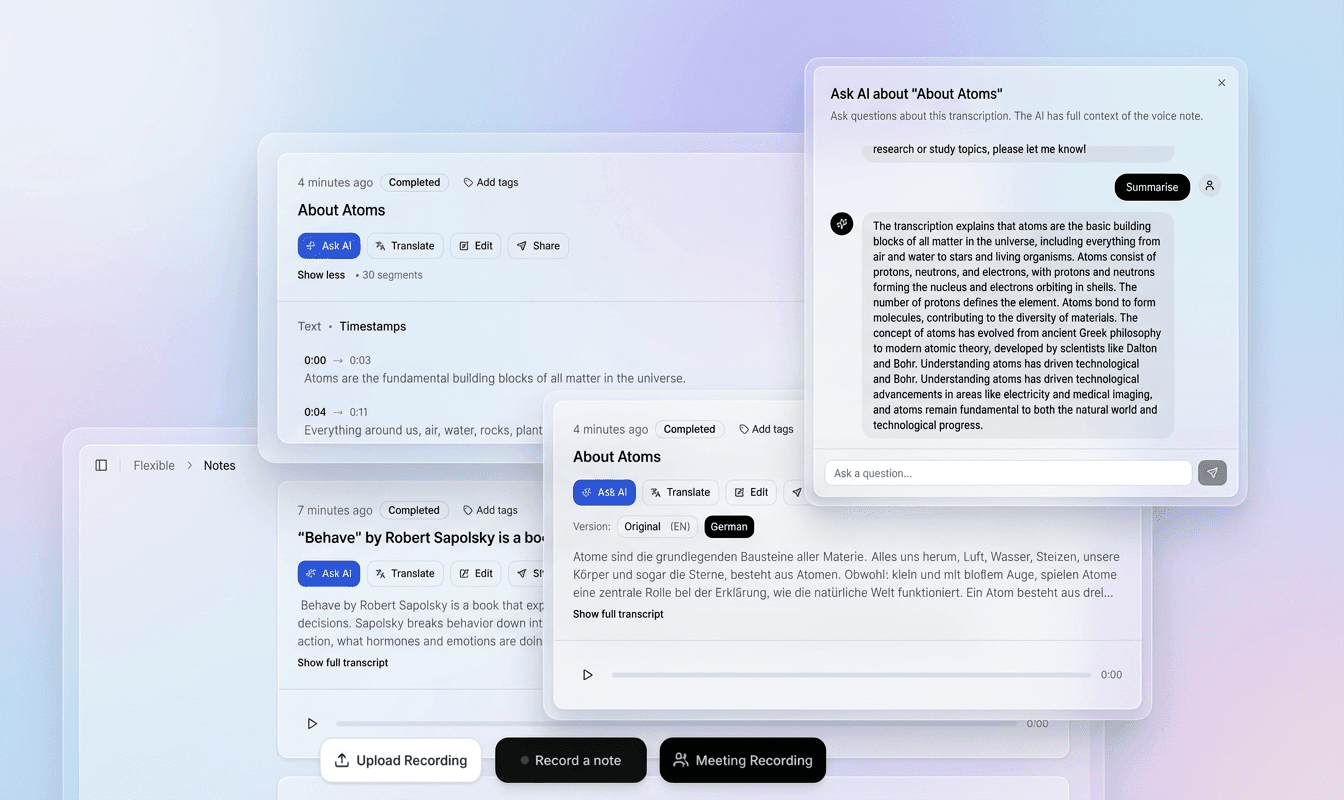
Use the recording and timestamped text together to check names, unfamiliar words and speaker changes in context.
Correct the transcript in the editor, refine segments and prepare a version that fits your document or video.
Export plain text, structured data or subtitle files. Use the transcript for notes, research, captions and follow-up work.
Choose a file above to continue to signup. Your recording stays on your device at this step.
In the app, choose your file again, select its spoken language and model, then start transcription.
Check the draft against your recording, correct the text and timing, then export the format you need.
Regional speech and spelling conventions matter. Identify the variety in your recording and check an excerpt before committing a larger project.
Choose the Romani variety and writing system used by your speakers. Romani is distinct from Romanian; keep that distinction clear throughout review. For Carpathian Romani (Latin script) recordings, keep the variety and writing convention in your project notes.
Results depend on the recording, selected model and language variety. Review names, specialist terms and unclear passages before sharing or publishing.
Use Carpathian, Sinte or Vlax labels only when they fit the recording, and check local vocabulary with the speaker.
Check Cyrillic or Latin text, personal names and spelling against the project’s chosen convention.
Review accents and language-specific letters. Check that similar-looking Cyrillic characters have not entered Latin words when editing or copying text.
What to listen for when reviewing the first draft.
Agree on a convention before editing and keep language-specific characters in the final text.
Do not normalize local vocabulary unless an adaptation explicitly requires it.
Review transitions and quotations without silently translating them into one language.
Practical ways to turn a recording into material you can search, edit and reuse.
Prepare reviewed quotations and episode text with the chosen Latin spelling convention.
Create checked dialogue text that learners can read beside the audio.
Review the complete wording before adapting it into readable subtitle lines.
Keep speaker context and editorial decisions alongside the transcript for future readers.
After transcription and review in the app, choose the output that fits your next step.
A Carpathian Romani transcript can accompany a recorded lesson, an oral-history interview, a community podcast or a documentary. This page focuses on Latin-script text. The related Cyrillic page serves a different written requirement, so choose the route that matches the project rather than treating the two names as a reason to change language identity.
Carpathian and Central Romani labels occur in descriptions of recordings from Central and Eastern European communities. A broad name does not describe every speaker’s vocabulary or writing preference. Keep the variety name supplied by the speaker, the available locality information and the project’s spelling references with the original audio. These details are valuable when someone later reviews an unfamiliar form.
Latin-script Romani projects may use different conventions for diacritics and consonant sequences. Decide how your text should represent those forms before editing many recordings. A name that looks familiar in Slovak, Hungarian or another language may still need the speaker’s preferred spelling. Confirm it from project materials rather than replacing it with the editor’s first guess.
Check that characters survive copying between the editor and the final document. Accents, punctuation and word boundaries need attention in captions as well as running text. A plain ASCII substitute can lose a distinction the project intends to preserve. Do not remove diacritics merely to make an unfamiliar word look more familiar.
An oral-history transcript may retain repetitions, regional vocabulary and incomplete sentences. A learner’s reading text may need clearer punctuation. A magazine article may need an edited adaptation. Decide which version you are producing and keep the reviewed source transcript available when making later changes.
A spelling convention should not erase the speaker’s variety. If a reviewer changes a regional form into a more widely used written form, make that an explicit editorial choice. For a linguistic project, document conventions for hesitation, overlap and uncertain passages instead of assuming a polished transcript is a detailed record of pronunciation.
A recording may move between Romani and the language of the surrounding community. Check the actual words and the transition rather than forcing every passage into one language. Names, quotations and borrowed terms may need different spelling references within a single interview.
Do not infer the variety only from the country where the recording was made. Diaspora interviews, family histories and lessons can connect speakers from several places. The speaker’s description and the recording itself should guide the review. Keep a short glossary of recurring names as an editorial aid.
For a podcast, a reviewed transcript can support episode notes and checked quotations. For teaching, prepare dialogue text that learners can follow with the recording. For a documentary or community video, review the full wording first and then edit caption lines for readability. A transcript in Romani is different from a translation intended for viewers who do not speak it.
Speechyou’s editor supports work on the draft before exporting TXT, SRT, VTT or JSON. Use SRT or VTT for caption workflows and check the result in the destination player. A TXT reference can be useful alongside a separate publication adaptation. Preserve names and the chosen Latin convention in both versions.
Create an account or sign in, choose the recording in the app and review a representative passage before planning a larger collection. Include the actual kinds of speakers, local vocabulary and recording conditions you expect. Keep the audio with the corrected transcript so future editors can verify quotations, names and any passages that need a second opinion.
Practical details before you start.
No. A script choice concerns the written form of the transcript. Translation changes the language and should be reviewed separately.
Use the project’s writing convention and check the destination player. Do not discard meaningful characters solely because they are unfamiliar.
Preserve the spoken wording, then agree on punctuation and explanations appropriate for the lesson. Keep any adapted version distinct from the source transcript.
SRT and VTT exports are available. Check names, spelling and line breaks in the final video player before publication.
No. Romani and Romanian are different languages. Choose the Romani variety and script that match the recording; use the Romanian page for Romanian speech.
Review the latin script text and check that it matches your project’s writing convention. Any transliteration or translation should be an explicit editing task; the page name alone is not a guarantee of automatic conversion.
No. Choosing or dropping a file takes you to signup. The landing page does not upload, store or transcribe it. After creating your account, select the file again in the app and choose the spoken language and model.
The app accepts MP3, WAV, AAC, OGG, FLAC and M4A audio, plus MP4, WEBM, MOV, M4V and MPEG/MPG video. The free trial and Solo support files up to 10 GB each. You can extract or trim a short section first to evaluate the result.
In the app, review and edit the transcript before exporting. Use TXT for plain text, SRT for video editors and YouTube, VTT for web captions, or JSON for structured data. Check subtitle timing and line breaks against the original video before publishing.
Create an account to transcribe in the app. Solo includes uploads up to 10 GB per file and $15/month or $67/year billing.
Full access with monthly billing.
Choose the language and writing system that match your recording.
Create your account, upload your file in the app and turn your audio into a transcript you can review.